Key Moments
⚡️Warp 2.0: the Agentic Development Environment - Zach Lloyd and Ben Holmes
 Latent Space Podcast
Key Moments
Warp 2.0 rebrands as an "Agentic Development Environment" with advanced coding agents, multi-threading, and a universal input.
Key Insights
Warp 2.0 is positioned as an "Agentic Development Environment" (ADE), moving beyond its identity as just a terminal.
A new state-of-the-art coding agent is introduced, aiming for top performance on benchmarks like Sweetbench and TBench.
The ADE enables fully agentic workflows, allowing users to delegate tasks like bug fixing and feature development to AI.
Warp integrates deeply with development workflows by offering a read-write interface for the command line, which is crucial for agentic actions.
The new universal input and enhanced UI aim to provide a seamless experience for interacting with both terminal commands and AI agents.
Warp supports multi-threaded agent execution, allowing multiple AI tasks to run concurrently within terminal sessions.
EVOLUTION FROM TERMINAL TO AGENTIC DEVELOPMENT ENVIRONMENT
Warp is rebranding from an "AI terminal" to "Agentic Development Environment" (ADE) to better reflect its expanded capabilities. While warp already offered features beyond a traditional terminal, such as translating English to commands and collaboration tools, the launch of Warp 2.0 signifies a more profound shift. This new positioning aims to break free from the preconceptions associated with basic terminals and highlight its potential for complex, AI-driven development workflows.
INTRODUCTION OF A STATE-OF-THE-ART CODING AGENT
The flagship feature of Warp 2.0 is the introduction of a highly advanced coding agent designed for complex development tasks. This agent is engineered to achieve top-tier performance on industry benchmarks, including Sweetbench and TBench, indicating its capability in code generation, debugging, and problem-solving. Users can now instruct Warp to build features, fix bugs, or diagnose issues within their development environment. The agent's proficiency extends to understanding and resolving common developer pain points like dependency issues and configuration errors.
ENABLING FULLY AGENTIC AND MULTI-THREADED WORKFLOWS
Warp 2.0 empowers developers to engage in fully agentic workflows, moving beyond human-in-the-loop operations. Users can grant varying levels of autonomy to the AI agent, from simple command execution to complex code modifications. This allows for asynchronous, multi-threaded development, where multiple agents can work on different tasks concurrently within terminal sessions, tabs, or split panes. This capability aims to significantly speed up development cycles by offloading repetitive and time-consuming tasks to AI.
DEEP INTEGRATION AND READ-WRITE INTERFACE
A key differentiator for Warp's agentic capabilities is its deep integration and true read-write interface for the command line. Unlike tools that primarily leverage external agents with read-only access or limited command execution, Warp allows its agents to directly interact with and modify code and system configurations. This is facilitated by its ability to perform tool-calling directly within the terminal, making agentic workflows significantly more powerful and effective for tasks requiring direct manipulation of the development environment.
UNIVERSAL INPUT AND ENHANCED USER EXPERIENCE
Warp 2.0 introduces a universal input, a more sophisticated interface designed to seamlessly handle both traditional terminal commands and agent instructions. This input intelligently detects whether the user is typing a command or natural language for an agent, simplifying interaction. The system offers flexibility, allowing users to lock the input into either terminal or agent mode if auto-detection is not preferred. The overall user experience is geared towards familiarity, retaining the terminal's grouped output and command execution capabilities while abstracting agent interactions.
ADVANCED FEATURES: EMBEDDINGS, MCP SUPPORT, AND EDITABLE DIFFS
Beyond the core agent functionality, Warp 2.0 incorporates advanced features like code-base embeddings for semantic search, enhancing the agent's ability to understand and navigate code repositories. It also offers robust MCP (Meta-Context Protocol) support, allowing integration with external tools like Linear and Sentry for richer context. A notable UI enhancement is the inline diff viewer, which presents code changes in a familiar format and, crucially, allows for direct editing within Warp, reducing the need to switch to external IDEs for code review and minor adjustments.
BROADER APPLICATION AND FUTURE VISION
Warp's vision extends beyond coding assistance, encompassing capabilities like natural language translation for database queries within specific rippples (e.g., PostgreSQL). The platform aims to be a comprehensive workbench for prompt-driven development, offering a unified interface for interacting with AI agents across various tasks. While currently operating locally like other tools, there's a roadmap towards potential cloud-based sandboxing and more integrated team features to support scalability and enterprise needs, ensuring Warp remains at the forefront of developer tooling evolution.
Mentioned in This Episode
●Products
●Software & Apps
●Companies
●Studies Cited
●People Referenced
Common Questions
Warp 2.0 is positioned as an agentic development environment, moving beyond traditional terminal functions. It integrates AI for tasks like translating natural language to commands, automating workflows, and now includes a state-of-the-art coding agent.
Topics
Mentioned in this video
A startup providing an API for speech-to-text, used within Warp for voice-driven prompt development.
A programming language mentioned in the context of a null pointer exception bug in the Warp codebase.
Mentioned in the context of enterprise customers potentially wanting to use internal Azure-based OpenAI LLM endpoints.
Mentioned as a type of API, contrasted with GraphQL in a discussion about backend architecture.
A database system for which Warp provides AI assistance within its Ripple interface to translate natural language queries into SQL.
A competing AI-powered code editor that Warp is compared against, particularly regarding its agentic features and UI.
Mentioned as one of the tools integrated with Warp for context gathering via MCP.
Version control system that Warp's AI can assist with, from basic questions to long-running tasks.
An operating system for which Warp is available.
A terminal application that has evolved into an agentic development environment with AI capabilities, including coding and task automation.
An AI model mentioned as being used by Warp, particularly in the context of logging errors and potential failures.
The programming language in which Warp is built, noted to be over a million lines of code.
A mobile development framework discussed in the context of LLMs potentially translating between native environments, challenging its future necessity.
A development tool mentioned in the context of Figma's expansion into the developer space.
Mentioned in the context of the ChatGPT desktop app and its integration capabilities, contrasting with Warp's own approach.
An operating system for which Warp is available.
A less resource-intensive model that users can fall back to for simple tasks to avoid overages.
An open-source project mentioned as an example of Warp suggesting fixes for Python environment issues.
Zach Lloyd's previous role as lead engineer on Google Docs is mentioned as part of his background and credibility with investors.
Containerization platform that Warp's AI can help rebuild or troubleshoot.
A coding tool that Warp's new coding agent is compared against, with Warp aiming to be superior.
A project management tool integrated with Warp for issue tracking and workflow management, including bug fixing.
Mentioned as a platform where changes made by AI agents would typically be pushed for review, a process that Warp aims to streamline.
A company founded by Swixs, one of the guests on the podcast.
Mentioned regarding enterprise use of internal Azure-based OpenAI LLM endpoints.
An error tracking system integrated with Warp, used for debugging issues like null pointer exceptions.
The company where Zach Lloyd previously worked as a principal engineer.
A design tool mentioned as a successful example of making tools collaborative, influencing the early vision for Warp.
The model provider that Warp uses, highlighting that ChatGPT is not the exclusive or even primary model.
More from Latent Space
View all 204 summaries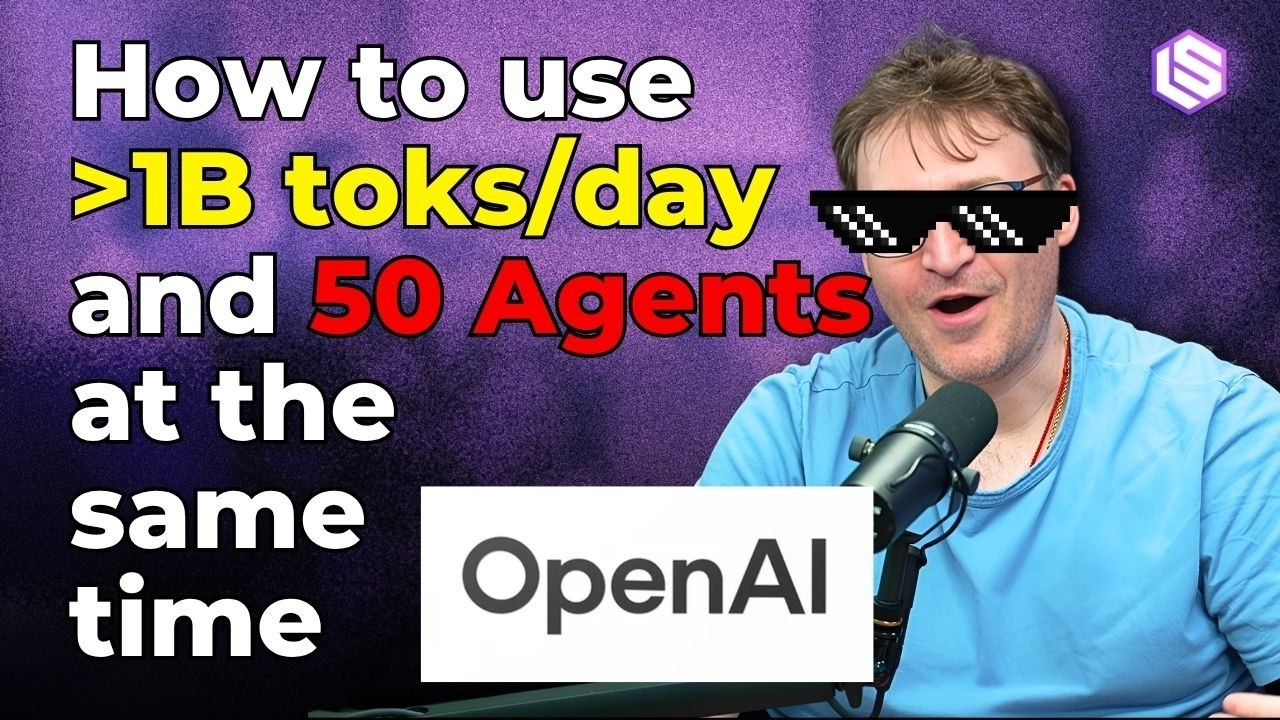 78 min
Extreme Harness Engineering for the 1B token/day Dark Factory — Ryan Lopopolo, OpenAI Frontier
 77 min
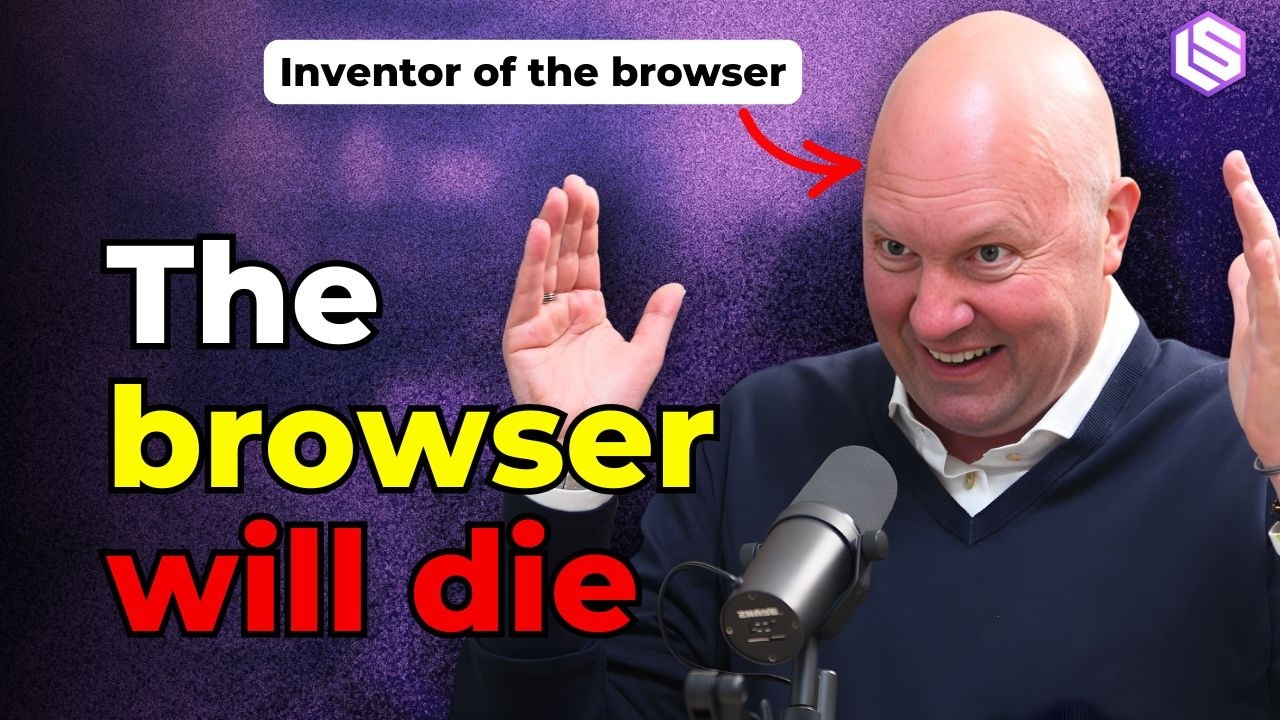
Marc Andreessen introspects on Death of the Browser, Pi + OpenClaw, and Why "This Time Is Different"
 67 min
Moonlake: Multimodal, Interactive, and Efficient World Models — with Fan-yun Sun and Chris Manning
 38 min
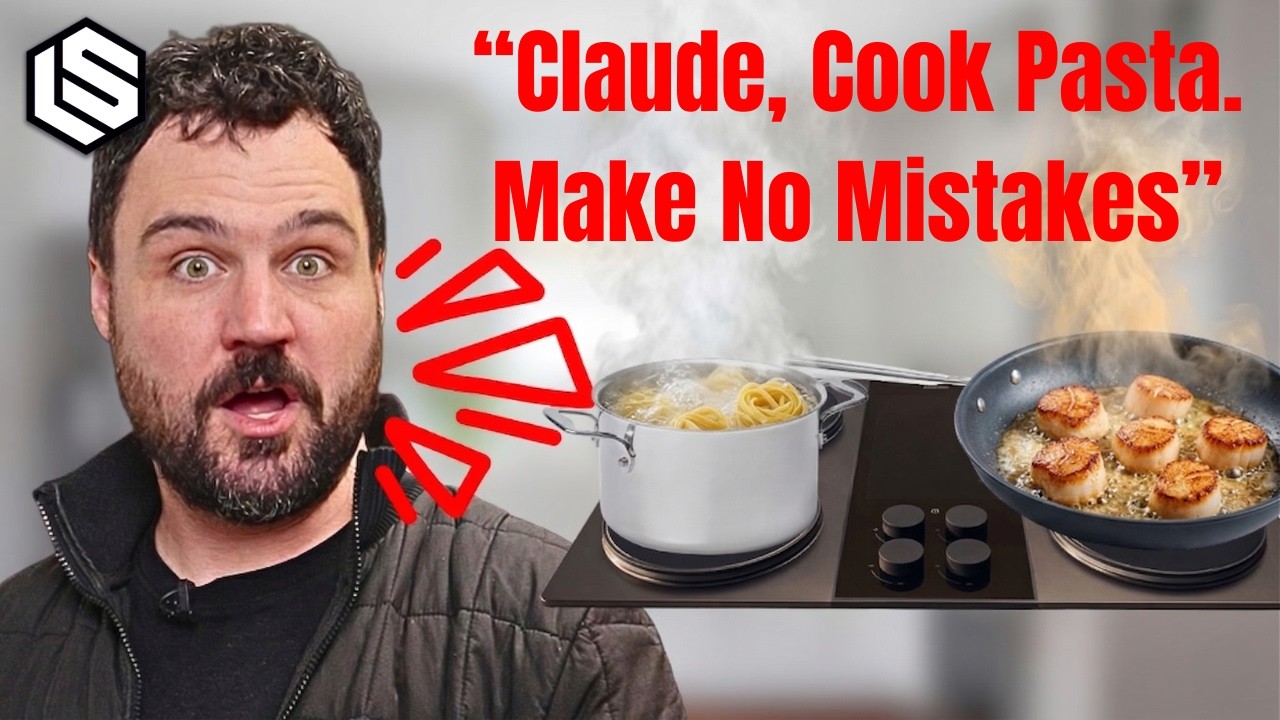
The Stove Guy: Sam D'Amico Shows New AI Cooking Features on America's Most Powerful Stove at Impulse
Found this useful? Build your knowledge library
Get AI-powered summaries of any YouTube video, podcast, or article in seconds. Save them to your personal pods and access them anytime.
Get Started Free