Key Moments
Reduce Your Screentime (5 Simple Steps) | Cal Newport
 Deep Questions with Cal Newport
Key Moments
Transform your phone into a less distracting "virtual machine" with 5 steps.
Key Insights
Embrace a monochromatic, text-based interface for your smartphone to reduce visual clutter and distraction.
Rename apps to action-oriented verbs that reflect their intended value or aspirational use case.
Re-engineer addictive apps by accessing them through browsers and using modification tools to remove distracting elements.
Consume news through static, self-contained formats like daily podcasts or roundups instead of constantly refreshing news apps.
Identify the psychological needs met by addictive apps and find healthier, functional substitutes.
The "2007 mode" aims to recapture the simpler, more purposeful relationship with smartphones from their early days.
RECAPTURING THE INITIAL SMARTPHONE EXCITEMENT
The introduction of the iPhone in 2007 marked a revolutionary moment, offering a blend of iPod, phone, and internet communicator. Initially, these devices were seen as slick, useful, and fun. However, over time, the attention economy and an influx of apps have transformed smartphones into overwhelming, distracting tools. The goal is to return to that initial sense of purpose and enjoyment, a state Cal Newport calls '2007 mode,' by simplifying the phone's setup without sacrificing essential functionality.
THE MONOCHROMATIC TEXT INTERFACE
The first and most drastic step is to alter the visual interface from colorful app icons to a monochromatic screen displaying app names in text. This approach, inspired by minimalist devices like the Light Phone, significantly reduces visual distraction. Apps like 'Blank Spaces' or 'Dumb Phone' can be used on standard smartphones to create this clean, text-based home screen. This involves using widgets to display app names and configuring phone settings to hide all but this single, minimalist screen.
REFRAMING APP DESCRIPTIONS AS ACTIONS
Building on the minimalist interface, the second step involves renaming apps to verbs or actions that reflect their desired use. Instead of seeing 'Messages,' rename it to 'Connect.' Renaming 'Instagram' to 'Learn' or 'Calendar' to 'Plan' shifts the user's mindset from reacting to brands to consciously engaging in value-enhancing activities. This intentional labeling encourages a more purposeful interaction with the device, focusing on outcomes rather than mere engagement.
RE-ENGINEERING ADDICTIVE APP EXPERIENCES
To combat phone addiction's deeper roots, the third step focuses on re-engineering the experience within addictive apps themselves. This is achieved by accessing social media and other potentially problematic platforms through a web browser instead of dedicated apps. Browser add-ons and specialized apps, such as 'Social Focus' or 'Untt-ra' for YouTube, can then modify these web experiences to remove algorithmic feeds, recommendations, and other distracting elements, making them more functional and less addictive.
DECOUPLING FROM THE NEWS APP ADDICTION
The fourth tip addresses the pervasive habit of 'doomscrolling' through news apps. It's advised to remove news apps from the phone altogether. Instead, consume news through more static, self-contained formats like daily news podcasts or curated email roundups. This approach prevents the constant, urgent need to check for updates and mitigates the emotional toll of sensationalized or negative headlines, which are often amplified by app design aimed at maximizing engagement.
IMPLEMENTING FUNCTIONAL SUBSTITUTES
The fifth and final tip, proposed by Cal Newport, is to find functional substitutes for the underlying needs that drive excessive phone use, particularly with social media. Users should identify the psychological, emotional, or practical roles these platforms serve (e.g., boredom relief, inspiration, numbing anxiety) and then find healthier, proactive alternatives. These substitutes, such as playlists of soothing podcasts or workout reminders, can be linked from the phone's interface, guiding users toward constructive activities instead of habitual scrolling.
MANAGING COMPLEXITY AND CONTEXT SWITCHING
The discussion touches upon "AI brain fry," a phenomenon where the constant oversight of AI tools leads to mental fatigue due to excessive context switching. This highlights a broader issue in modern knowledge work: the cognitive cost of rapidly shifting attention between different tasks and information sources. This suggests that simplifying our digital environments, as achieved through the '2007 mode' principles, is crucial for maintaining focus and mental well-being, not just with AI but in all forms of digital interaction.
THE ROLE OF LENDING LIBRARIES AND READING
An anecdote from the set of the HBO show 'The Pit' illustrates a practical application of reducing phone dependency. With phones banned on set, a lending library of books was established, fostering a culture of reading among cast and crew. This highlights how environments can be structured to encourage less distracting activities, demonstrating that even in demanding professional settings, intentional choices about technology use can lead to more enriching experiences and a stronger sense of community.
EMBRACING THE HUMAN EXPERIENCE OF OVERLOAD
The idea that experiencing data overload is simply part of the human condition is explored. While the modern world presents unprecedented amounts of symbolic information, our brains evolved for processing sensory input from the physical world. Successfully navigating this requires intentional practices for containing, planning, and making sense of information. This involves a conscious effort to manage our information intake and avoid the cognitive strain that leads to overload and burnout.
PERSONAL ADAPTATIONS AND SET-UP TIME
The process of implementing these changes can be customized. Some users opt for a fully minimalist home screen, while others create separate pages for less problematic apps, still presented in a text-based format. The setup time is estimated to be relatively short, with basic configurations achievable in under ten minutes. This flexibility allows individuals to tailor the '2007 mode' to their specific needs and the essential apps they require for daily life.
CAL'S CURRENT EXPERIMENTS AND RECOMMENDATIONS
Cal Newport shares his ongoing experiments, including testing a new notebook for single-purpose thinking and upgrading his Halloween display technology to more advanced open-source software. He also highlights recent interviews and appearances, emphasizing the importance of consuming content critically and engaging with AI in a balanced way. He encourages listeners to explore his 'AI Reality Check' series for a more measured perspective on artificial intelligence.
Mentioned in This Episode
●Products
●Software & Apps
●Companies
●Organizations
●Books
●Concepts
●People Referenced
Your '2007 Mode' Phone Setup Checklist
Practical takeaways from this episode
Do This
Avoid This
Common Questions
'2007 Mode' refers to transforming your smartphone to resemble the simpler, less distracting experience of early smartphones, like the original iPhone. The goal is to reduce addiction and increase usability by simplifying the interface and app usage.
Topics
Mentioned in this video
Introduced the iPhone at the 2007 Mac World keynote.
Author of an article in The New Yorker about the bicentennial celebrations of 1976.
Actress in 'Beonia', whom Cal Newport likes and looks forward to seeing in the film.
Host of the Modern Wisdom podcast, who interviewed Cal Newport about work and distraction.
Engineer and founder of QAI, who wrote about 'vibe coding paralysis' and the exhaustion from managing work with AI.
Mentioned as a guest on episode 395 who discussed taking a social media pause.
Host of 'The Town' podcast on The Ringer, who interviewed the showrunner of 'The Pit'.
Creator of the Bullet Journal method, who suggested renaming apps to reflect aspirational verbs.
Director of 'Beonia', whom Cal Newport considers good and looks forward to seeing their work.
Lead author of the study 'When Using AI Leads to Brain Fry'.
Actor on the show 'The Pit', who explained their phone-free set environment and lending library.
YouTuber who created a video on AI concerns and then interviewed Cal Newport to discuss it.
Mentioned in the context of controlling the Instagram app experience, implying his company designs it for engagement.
Director mentioned in relation to the film Frankenstein, whose visual style Cal Newport appreciates.
The device introduced by Steve Jobs in 2007, initially seen as revolutionary but has since contributed to phone addiction and distraction.
Hardware Cal Newport is using to run the FPP Falcon controller software for his Halloween display.
A feature phone that popularized a monochromatic, text-based interface, serving as inspiration for making modern smartphones simpler.
The brand of notebooks Cal Newport primarily uses for single-purpose note-taking before testing the Hobonacci notebook.
A book mentioned by Noah Wyle as something he was reading, contributing to the lending library on the set of 'The Pit'.
A movie Cal Newport watched (though found the screenplay could be better) and his wife also saw.
The publication where the study titled 'When Using AI Leads to Brain Fry' was featured.
An HBO show set in a hospital where cell phones are not allowed on set, and a lending library for books is provided.
Cal Newport's 2021 book that discussed the negative costs of context switching in knowledge work.
A Brazilian film nominated for an Oscar in 2026 that Cal Newport is watching, noting its 1970s cinematography and slow-burn narrative style.
A movie mentioned by a friend of Cal's that he was told he shouldn't skip watching.
A podcast network where the show 'The Town' is featured, and where the showrunner of 'The Pit' was interviewed.
A podcast on The Ringer network featuring interviews with showrunners, where the showrunner of 'The Pit' was interviewed.
A TV show for which David Wells was also the showrunner, mentioned in the context of 'The Pit'.
Publication where Cal Newport read an article by Jill Lepore about the bicentennial.
A popular 90s TV show for which Mayan Mayik (Mayim Bialik) is known.
A podcast hosted by Chris Williamson, featuring an interview with Cal Newport.
A TV show where Mayan Mayik (Mayim Bialik) played the character Amy.
A YouTube channel featuring a popular video demonstrating how to set up minimalist phone interfaces.
An app specifically for YouTube that allows users to remove thumbnails or recommended videos from the sidebar.
The organization founded by Francesco Bonacci, who wrote about AI-induced work paralysis.
Open-source software Cal Newport is transitioning to for his Halloween display technology, running on a Raspberry Pi.
A writing app that was renamed 'write' by Ryder Carroll in his minimalist phone setup.
An app used to create a minimalist, text-based home screen on smartphones, inspired by feature phones.
Mentioned as one of the essential apps a user might keep on a minimalist phone setup.
An app that helps create a monochromatic, text-based interface on smartphones.
An app that modifies social media web experiences to remove algorithmic feeds and recommended content, making them more functional and less addictive.
An app discussed as potentially being renamed 'give up' in Cal Newport's scheme, and later as a social platform to find functional substitutes for.
A sponsor of the podcast, providing automated compliance and security solutions for businesses.
Discussed as a platform that can be made less addictive by using browser modification tools like Unttra.
Mentioned as one of the essential apps a user might keep on a minimalist phone setup.
Mentioned as a platform that can be accessed through a browser and modified to reduce addictive elements.
A sponsor of the podcast, providing an e-commerce platform for businesses to sell online.
Mentioned as an app that can be renamed to 'learn' or another aspirational verb, and also as an example of an addictive app that can be modified via browser.
A sponsor of the podcast, offering meat and seafood delivery.
Mentioned as a social media site that can be modified by apps like Social Focus.
Mentioned as a social media site that can be modified by apps like Social Focus.
One of the institutions affiliated with the authors of the 'AI Brain Fry' study.
More from Cal Newport
View all 288 summaries 64 min
Rules For Deep Work — Updated for 2026 | Cal Newport
 21 min
Can AI “Scheme”? (Nope.) | AI Reality Check
 31 min
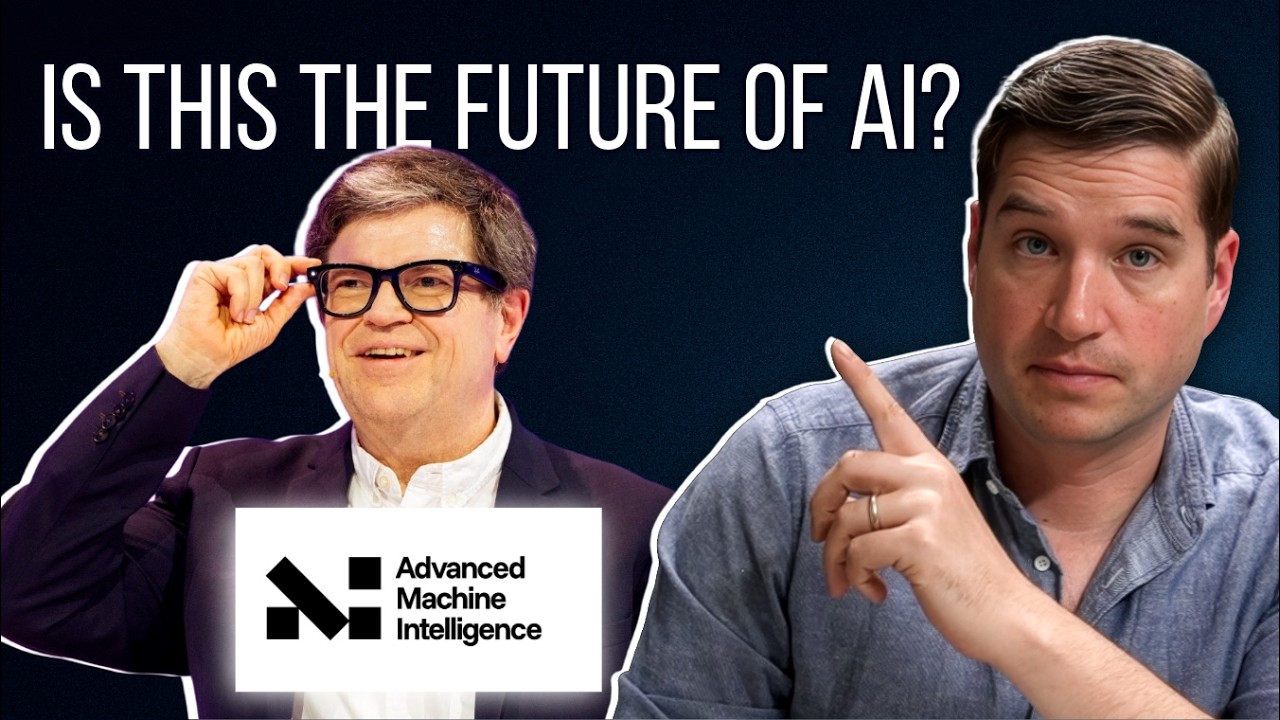
Are LLMs a Dead-End? (Investors Just Bet $1 Billion on “Yes”) | AI Reality Check | Cal Newport
 68 min
Why Is AI Making My Job *Worse*? | Cal Newport
Found this useful? Build your knowledge library
Get AI-powered summaries of any YouTube video, podcast, or article in seconds. Save them to your personal pods and access them anytime.
Get Started Free